EN


You can know someone for years and still be surprised by what they say. It might be an opinion you did not expect, or a story they have never told you. We get to know people through what they choose to tell us, and that depends on them having a way to express themselves.
For someone who cannot rely on speech, a communication device can provide another way to share those thoughts. It needs to support everyday requests while also leaving room for the person’s own opinions and personality. Making that possible involves both the language available on the device and the way the person accesses it.
Communication devices are one form of augmentative and alternative communication, or AAC: the methods people use to supplement or replace speech. AAC also includes gestures and picture boards, and people may use several methods throughout the day. Some use AAC throughout their lives; others use it alongside speech or for a limited period.
On an electronic device, a message can be built in different ways. The available options may include combining symbols representing words or phrases, typing using an onscreen keyboard, and selecting stored phrases. People may use a combination of these options, with stored phrases allowing frequently used messages to be selected without composing them from scratch each time.
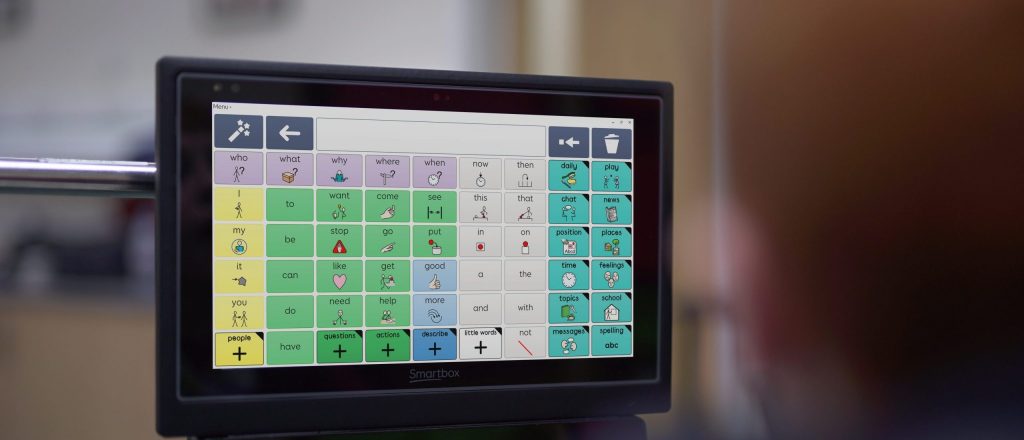
Each of these approaches requires a way to select items on the screen. Touch is one option, but a person with limited hand movement may need another access method. Depending on the individual, that could involve a switch or eye gaze. Eye tracking provides the gaze input that lets someone navigate a communication application without touching the screen.
To do this, an eye tracker uses cameras and infrared illumination to estimate where a person is looking. Software maps that gaze position to the screen, identifying the letter, symbol, or button they are looking at.
Calibration helps establish that mapping for the individual. The person looks at targets on the screen so the system can relate its measurements of their eyes to known screen positions.
Looking at an item and activating it are separate steps. One way to make a selection is dwell selection: looking at an item for a set amount of time activates it. Other setups combine gaze with a deliberate blink or a switch. The activation method and settings can be adjusted to suit the person using the device.
Finding a suitable combination of device positioning, calibration, and activation settings takes individual assessment, practice, and support.
Once a selection is activated, the communication application can add it to a message or speak it aloud. Depending on the software and settings, speech may be produced word by word or once a message is complete. The eye tracker supplies the input; the application manages the message and speech output.
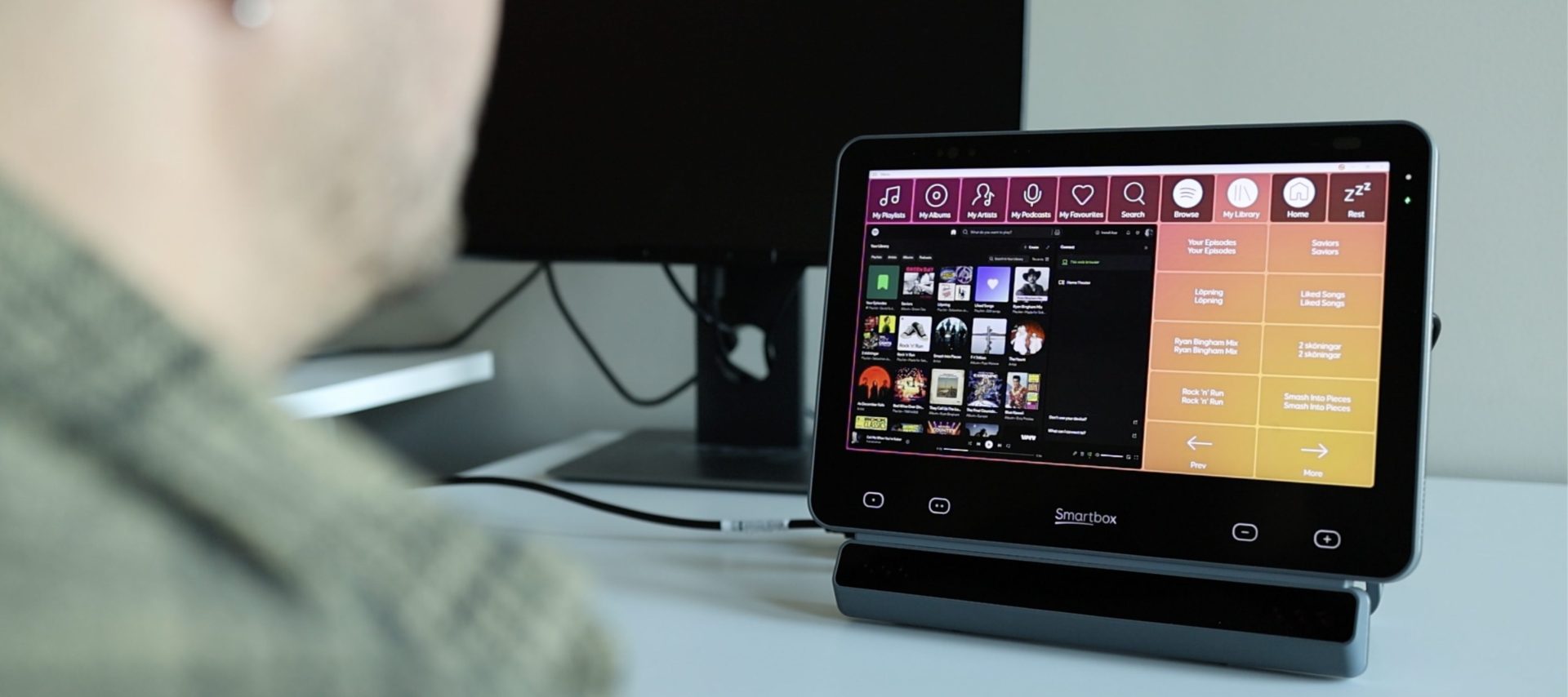
The same gaze input can also be used to navigate other supported applications on the device, extending access to written communication, music, and other activities.
In the video above, watch us pick a playlist and invite a friend for coffee—with our eyes doing the clicking.
With a suitable vocabulary or keyboard, someone can compose a message that nobody else has prepared for them. This is an important part of independent communication: being able to say what you want, including something the people around you would never have thought to ask. The technology provides access to the words; the person decides what to express.
For AAC Awareness Month in October, our accompanying video shows a Smartbox Grid Pad with Lumin-i, an eye tracker developed using Smart Eye technology, as one example of how gaze can be used to access communication software and other applications.
Contact Smart Eye to discuss integrating eye tracking into your device.